I have some posts I was going to publish soon, but I randomly decided to wait and make my own art for the thumbnails. I sometimes like to make digital art on my tablet using the Sketchbook app. I knew I wanted something with an eye, so I took a picture of mine.
I set the canvas dimensions to 1200 x 630 pixels and arranged my image how I wanted. Though now I realised I have all my blog thumbnails set to squares and next time I should do a square.
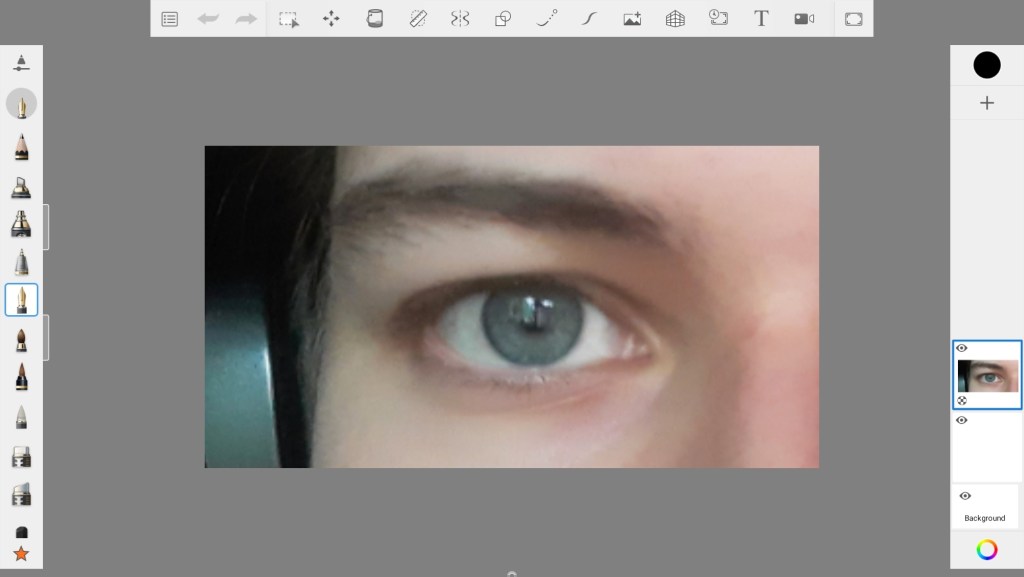
I didn’t have any idea of what I wanted, (I have a difficult time picturing things in my mind’s eye) so I just started tracing.
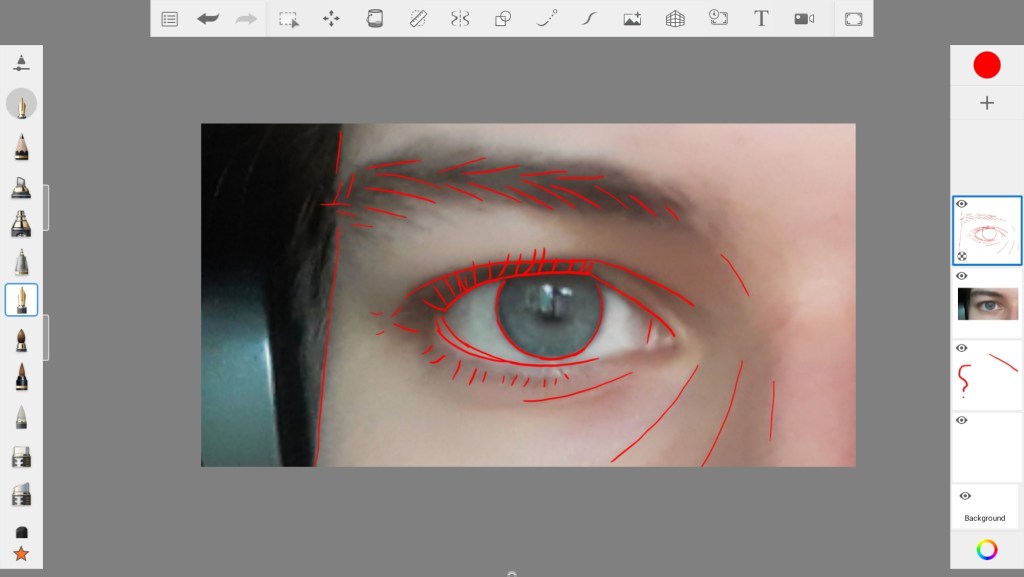

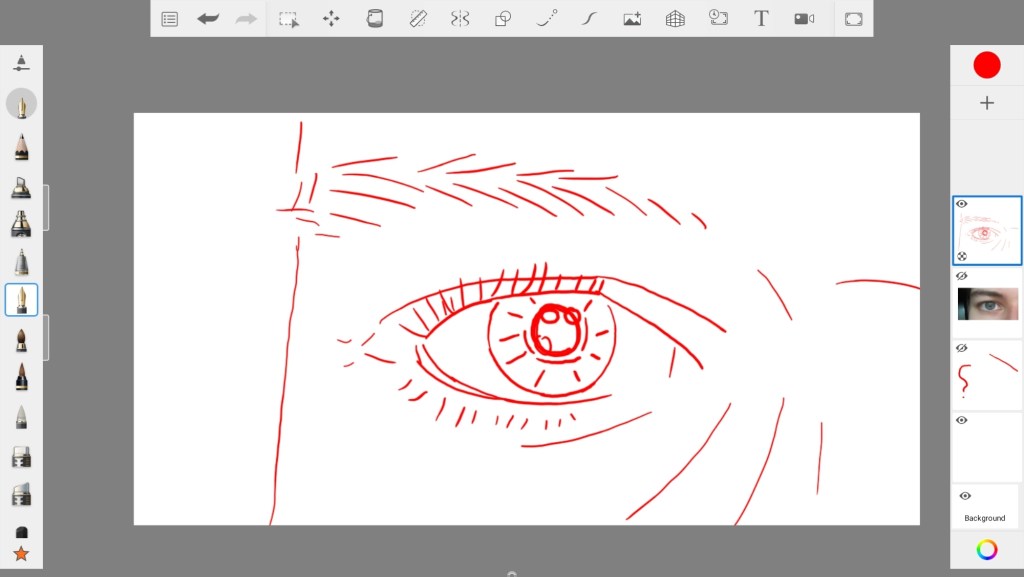
I added a few more lines and adjusted the face shape.
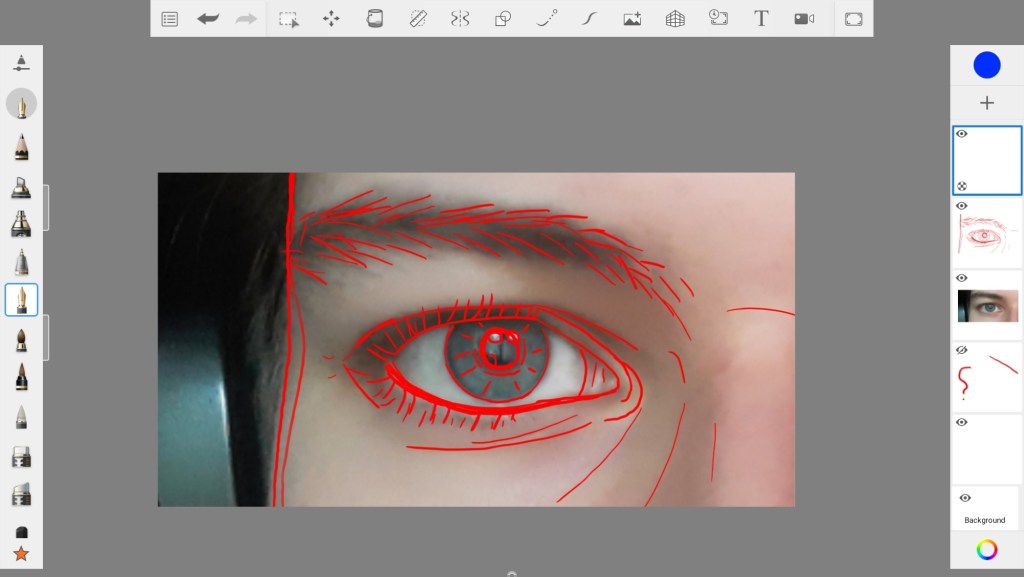
For fun I tried seeing what cross-hatching would look like (A skill I’m still working on)

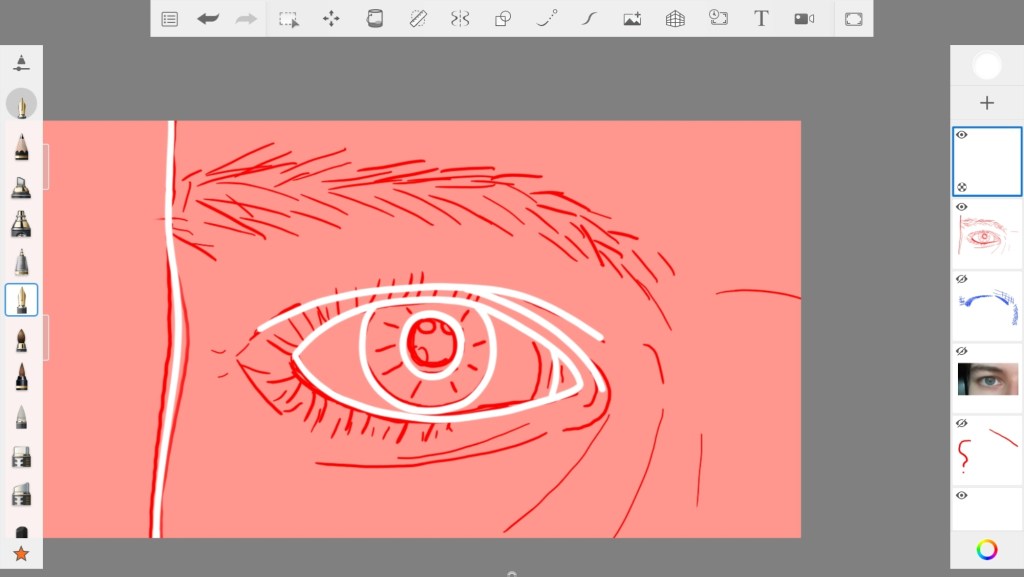
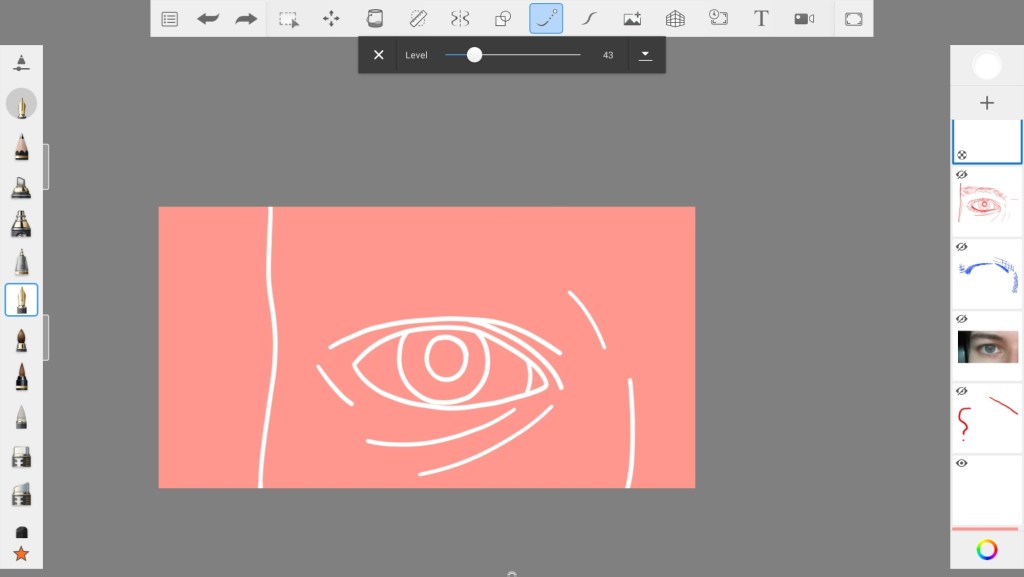
I realised I wanted to keep it simple. I tried a black background with white lines, then settled on a coral pink instead. I changed my brush size to a 7, and started tracing over the lines I thought were most important in white.
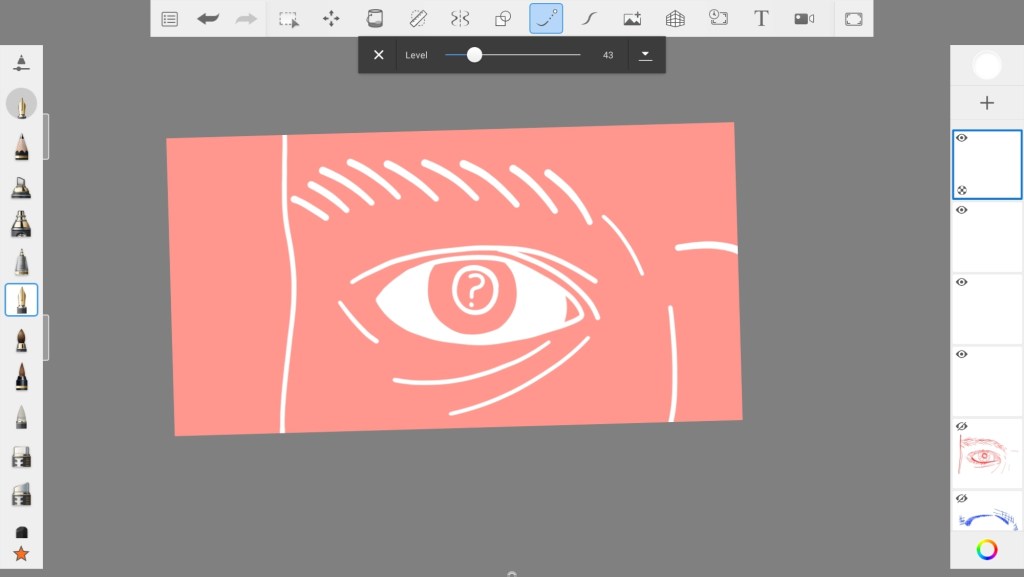
I put a question mark in the pupil, which goes with the content of my post.
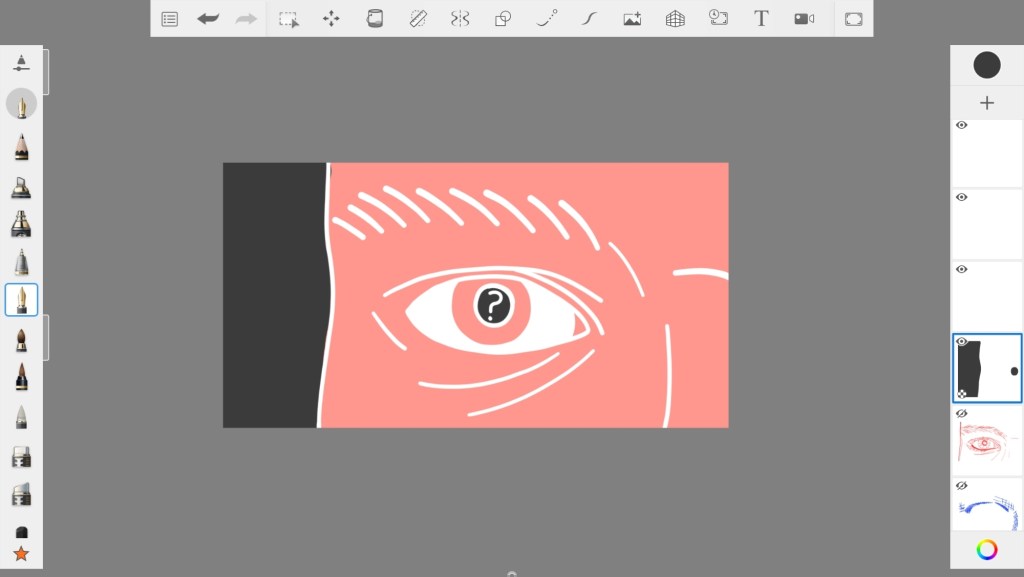
I added some dark grey in places.

After cleaning up some lines I finished! It was pretty fast and satisfying to make! I can see a lot of possible variations on this too.
 My Neurospicy Soup